Never Miss the Moments That Matter in Any Video

Instantly capture the exact scenes you care about and jump back to them with a tap — no scrubbing, no timelines, no frustration.

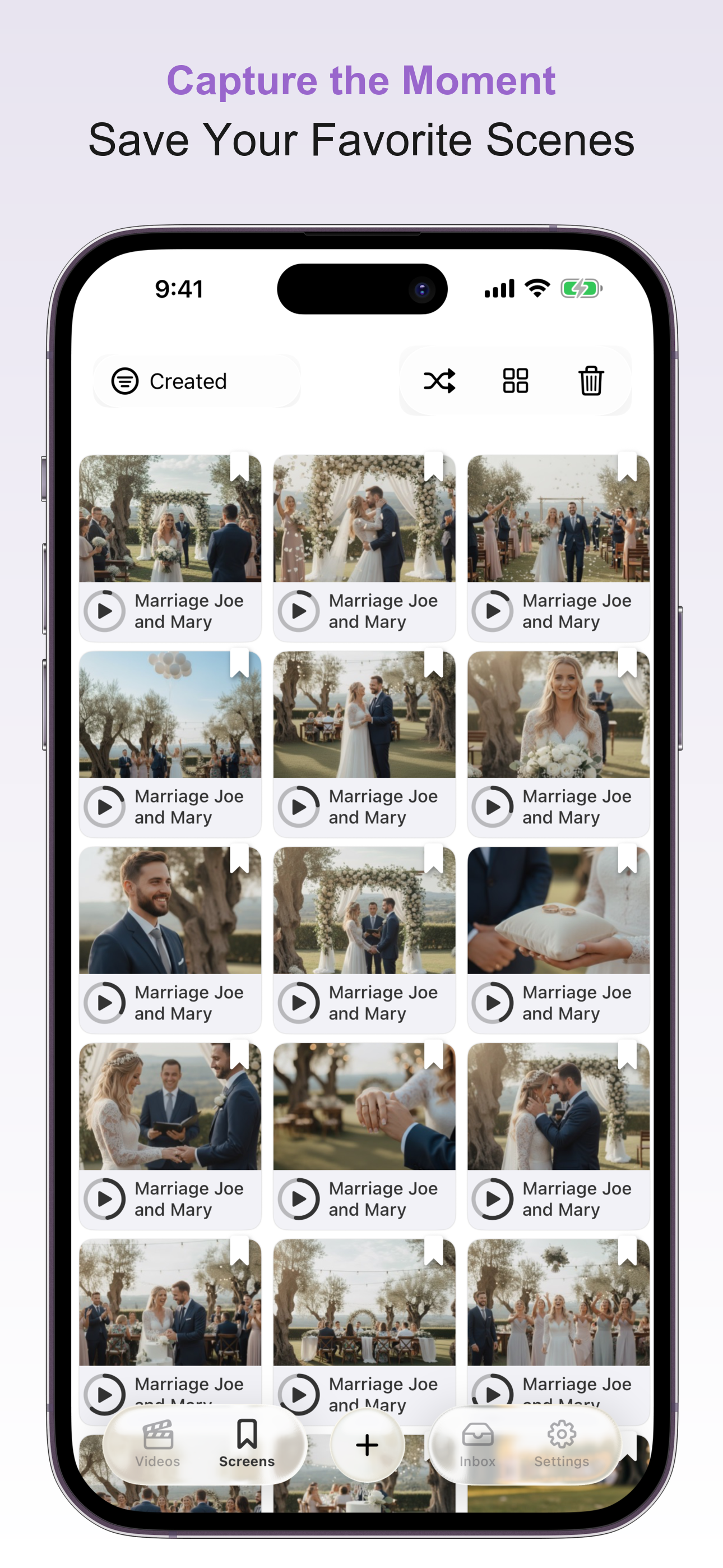
Save important scenes instantly Jump straight to them later Sync across iPhone, iPad & Mac (coming soon)

iPhone, iPad & Mac (coming soon) — iCloud sync included
Capture & Relive — In Seconds

1

Watch Your Video

Import from Files, Photos, or share from other apps.

2

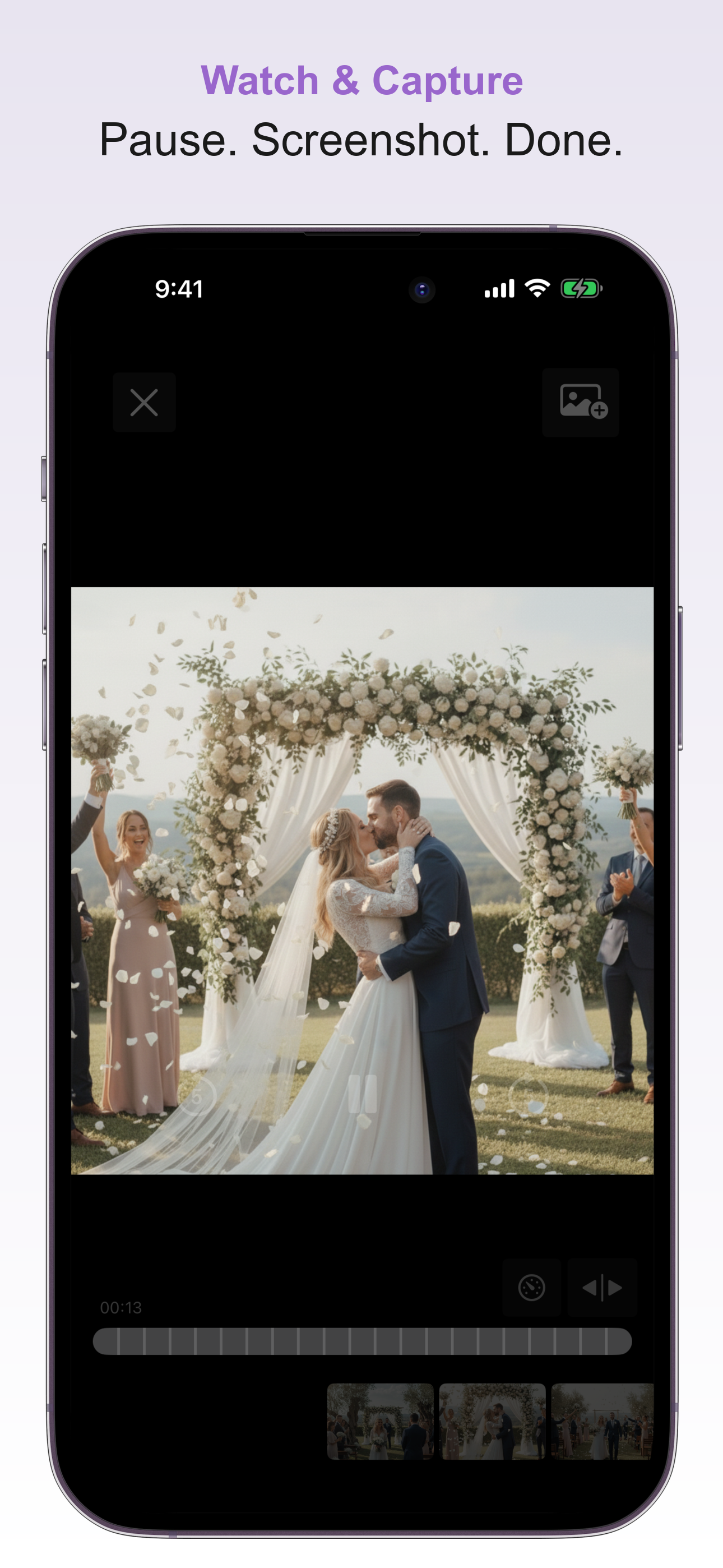
Tap to Save the Moment

Every screenshot becomes a bookmark you can go back to instantly.

3

Relive Any Scene

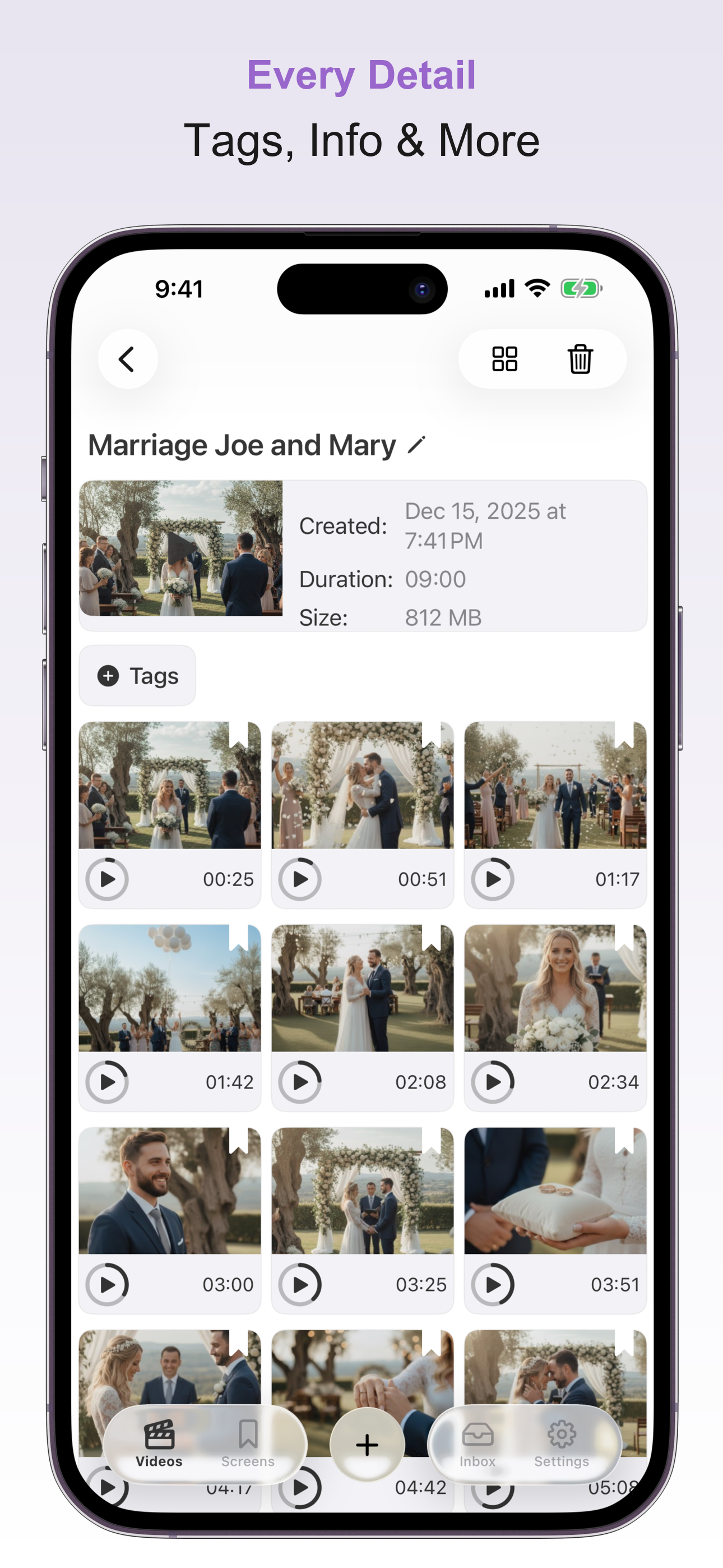
Skip the scrub bar — go directly where you want with one tap.

Why People Love Key Moments

No More Endless Scrolling

Stop scrubbing through footage just to find that one clip.

Instant Recall

Perfect for study, editing, or precious memories.

Made for Long Videos

Lectures, weddings, training sessions, interviews — handled.

Saves Time & Frustration

For creators and professionals alike.

Built for How You Work & Live

🎓

Students

Mark key discussion points in lectures

🎬

Creators

Save highlights before editing

💼

Professionals

Quick recall for meetings or training

👨‍👩‍👧

Family

Jump to first steps, smiles, and celebrations

Beautiful & Intuitive Design

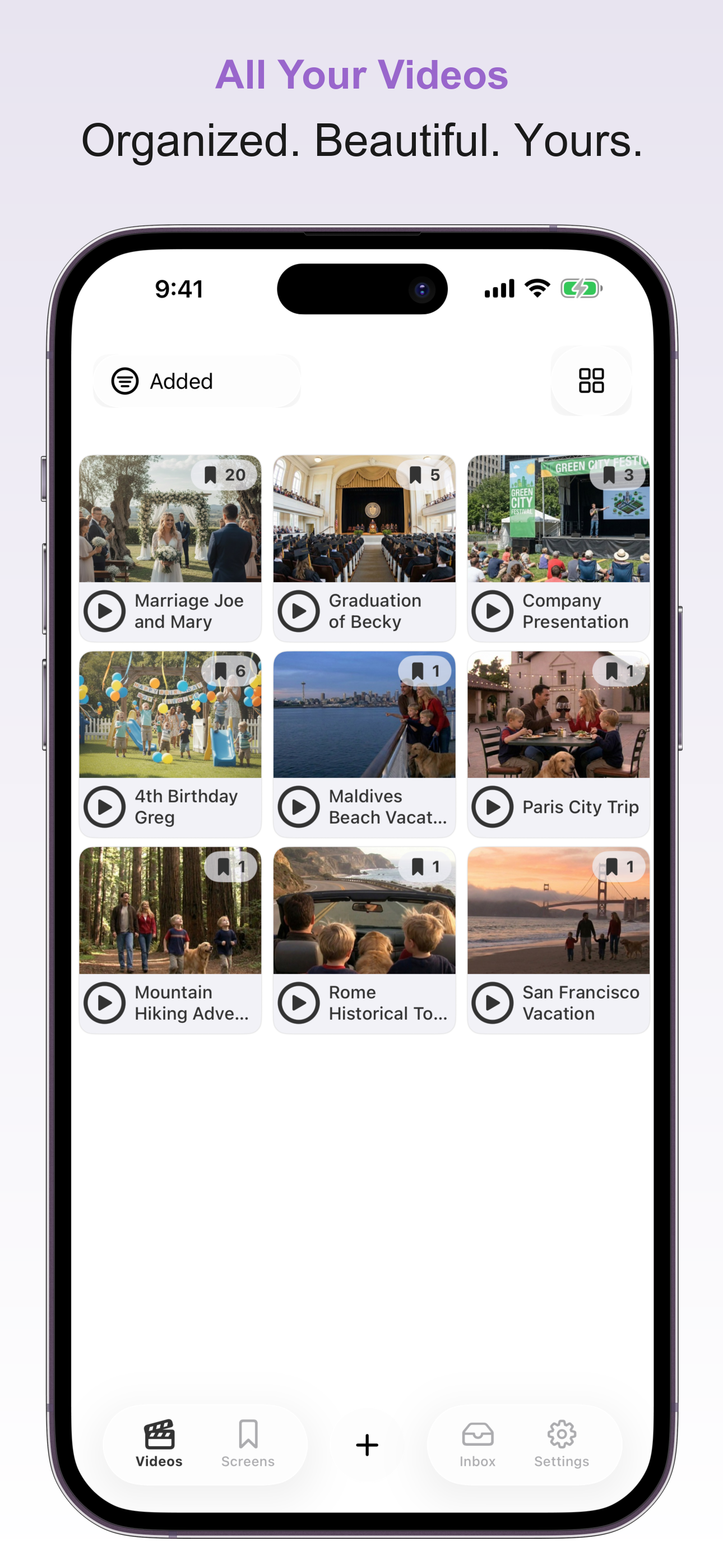
A clean, modern interface that puts your videos and moments front and center.

Everything You Need

Powerful features, simple to use.

Jump Right to What Matters

Save favorite moments as visual bookmarks.

Instant Playback

Tap any screenshot and playback starts right there — no scrubbing.

Sync Across Devices

Start on iPhone, continue on iPad or Mac (coming soon) with iCloud sync.

Private & Secure

Everything stays on your device — no servers, no accounts needed.

Smart Organization

Use tags and folders so your moments are easy to find.

Share & Backup

Export your collection or send a shareable link.

Need Help?

Have a question or need assistance? We're here to help.

andre.bohna+keymoments@gmail.com

Common Questions

How does jumping to scenes work?

Every screenshot you capture saves the exact timestamp. Tap any screenshot and playback starts instantly from that moment — no scrubbing needed.

What video formats are supported?

Key Moments supports all common formats including MP4, MOV, M4V, and more. Import from Files, Photos, or share directly from other apps.

Are my videos private?

Absolutely. Everything stays on your device. We don't have servers — your videos never leave your phone. iCloud sync uses your personal account.

Can I share or backup my moments?

Yes! Share individual screenshots, export your entire collection as a backup file, or generate a shareable link. Recipients can import your bookmarks directly into their app.