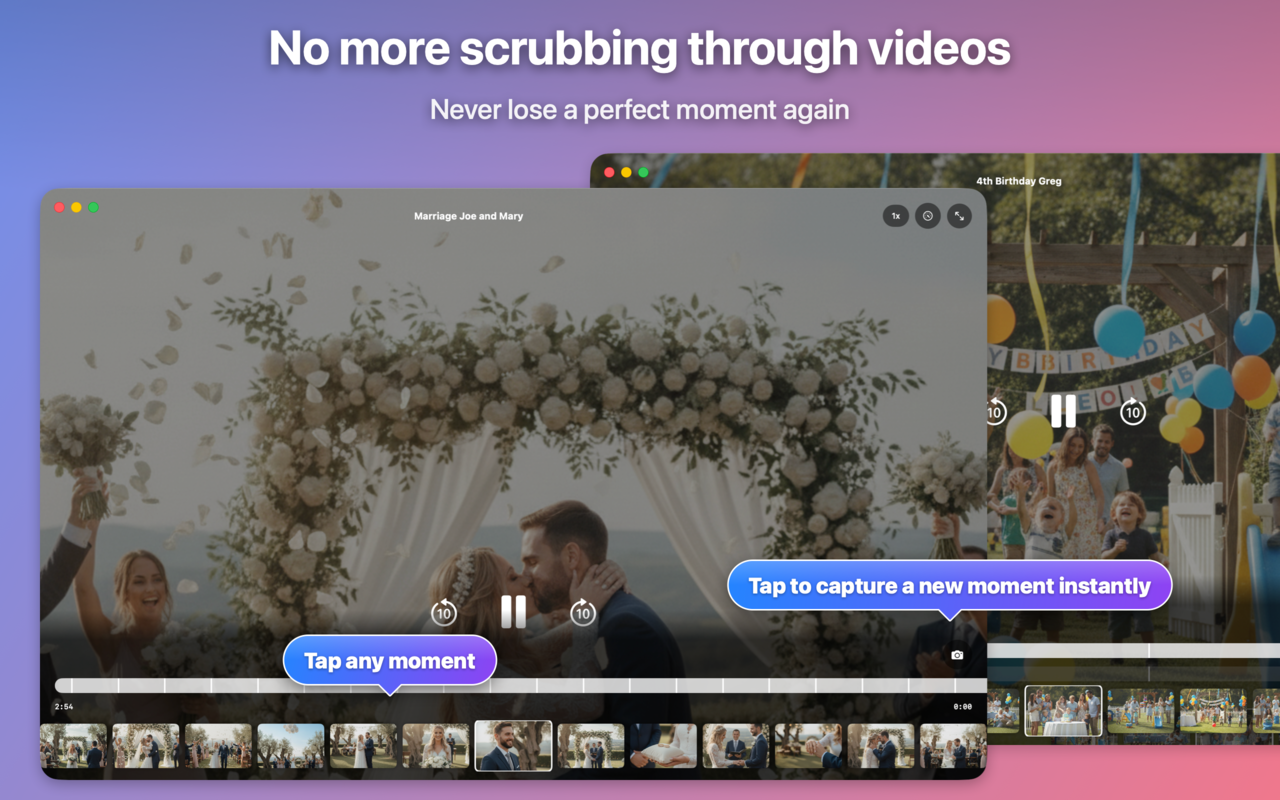
Jump straight to the best moments in your videos

Save and revisit exact scenes instantly — no timeline, no scrubbing.

Save exact scenes Jump back instantly Private by default

Available for iPhone and Mac
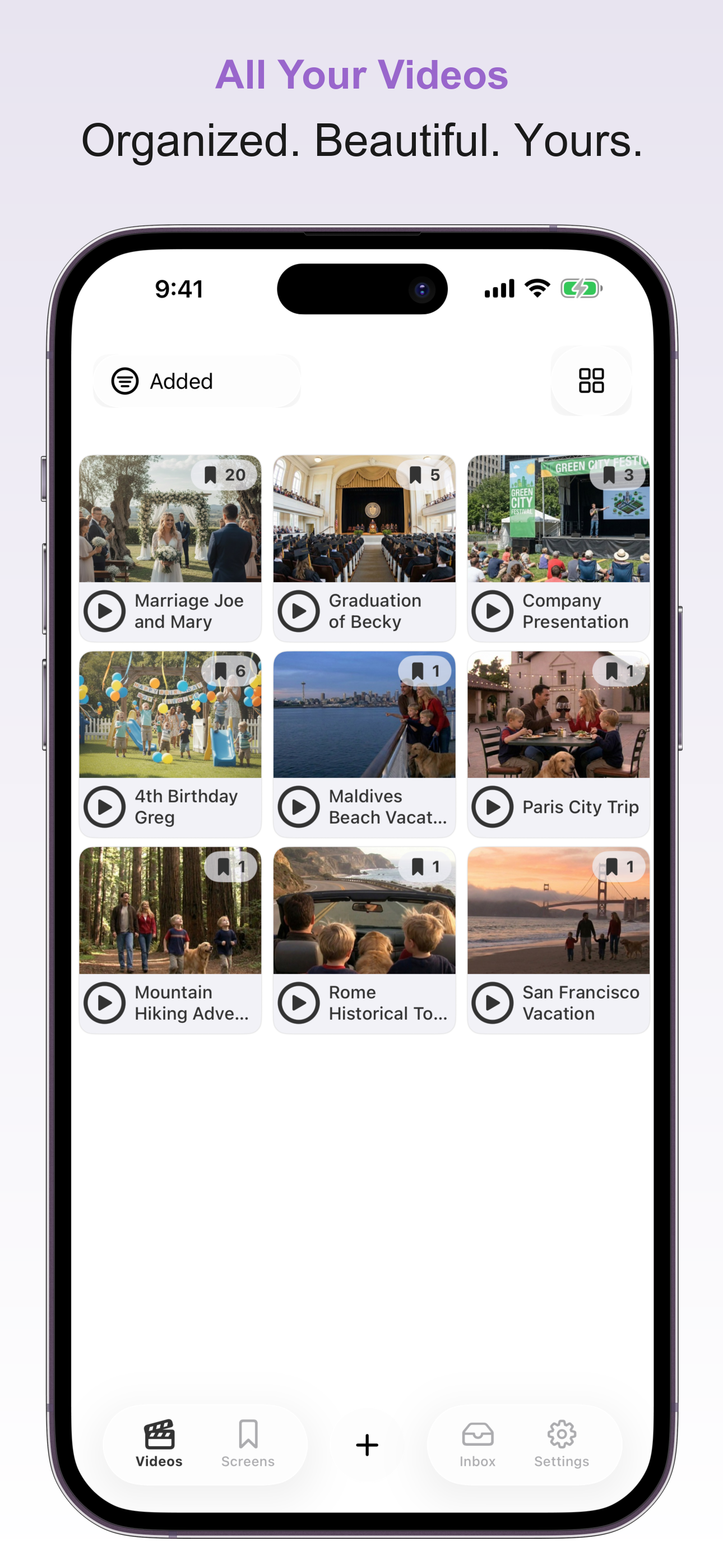
iPhone & Mac

The same fast, private workflow on both platforms.

Save moments on iPhone

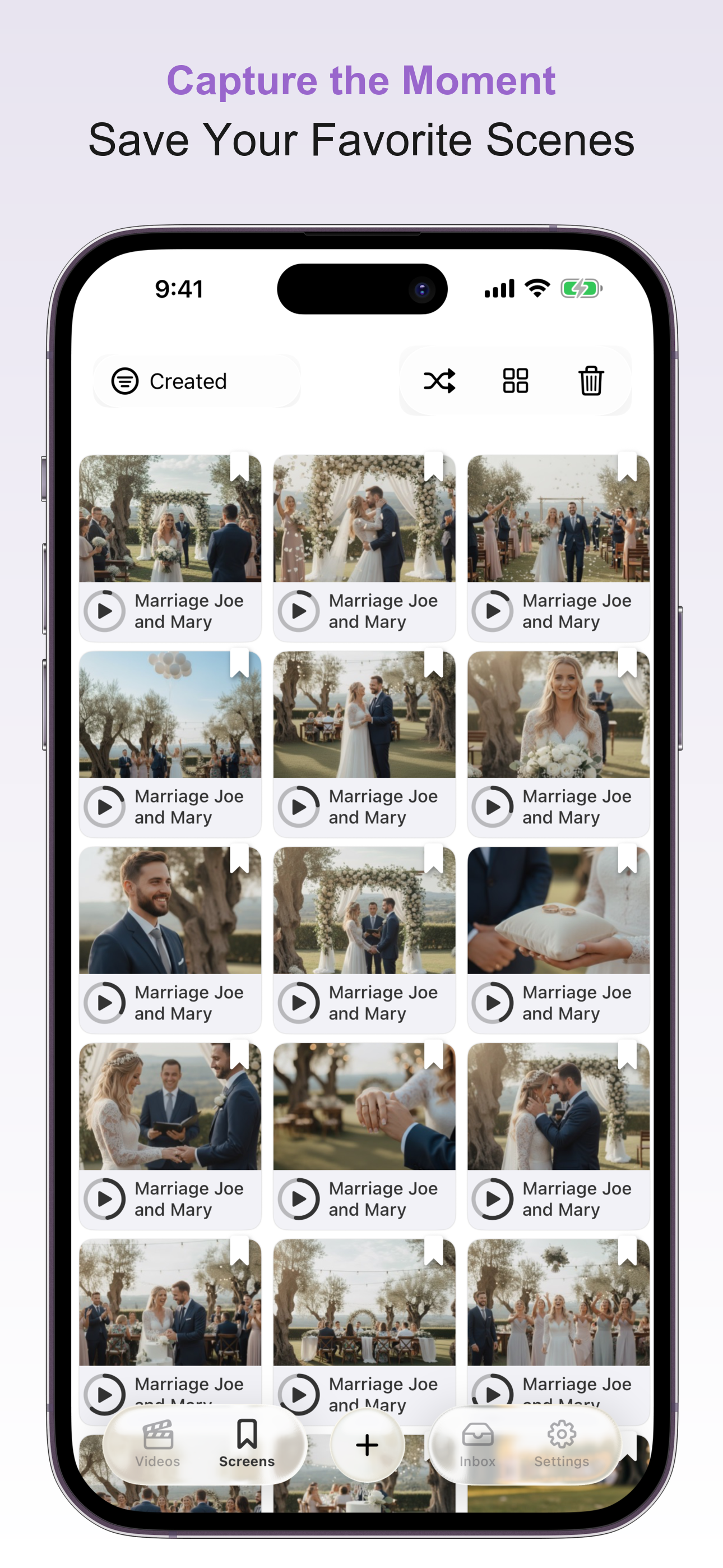
Mark the best scenes while watching and jump back to them instantly later.

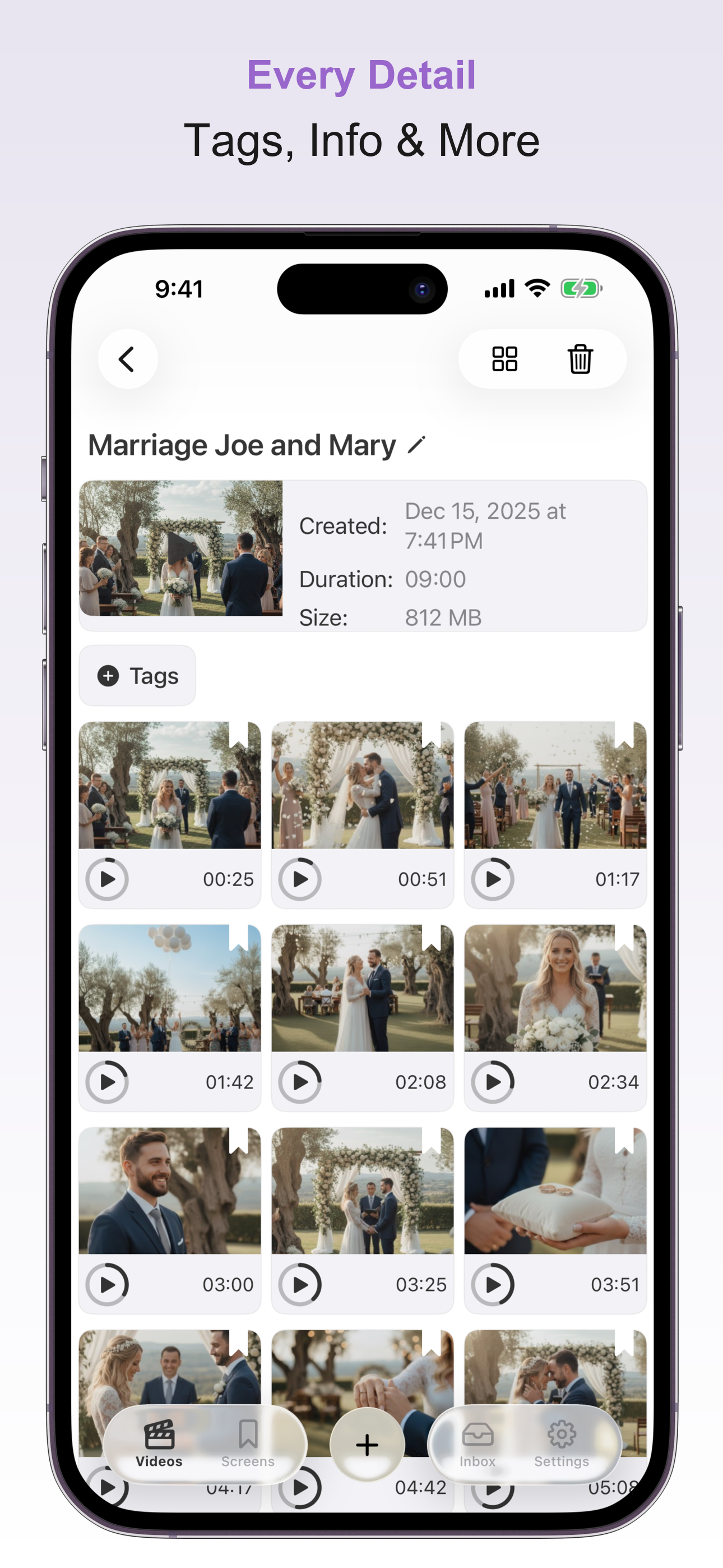
  • Save exact timestamps
  • Revisit scenes with one tap
  • Works locally on your device

Now available on Mac

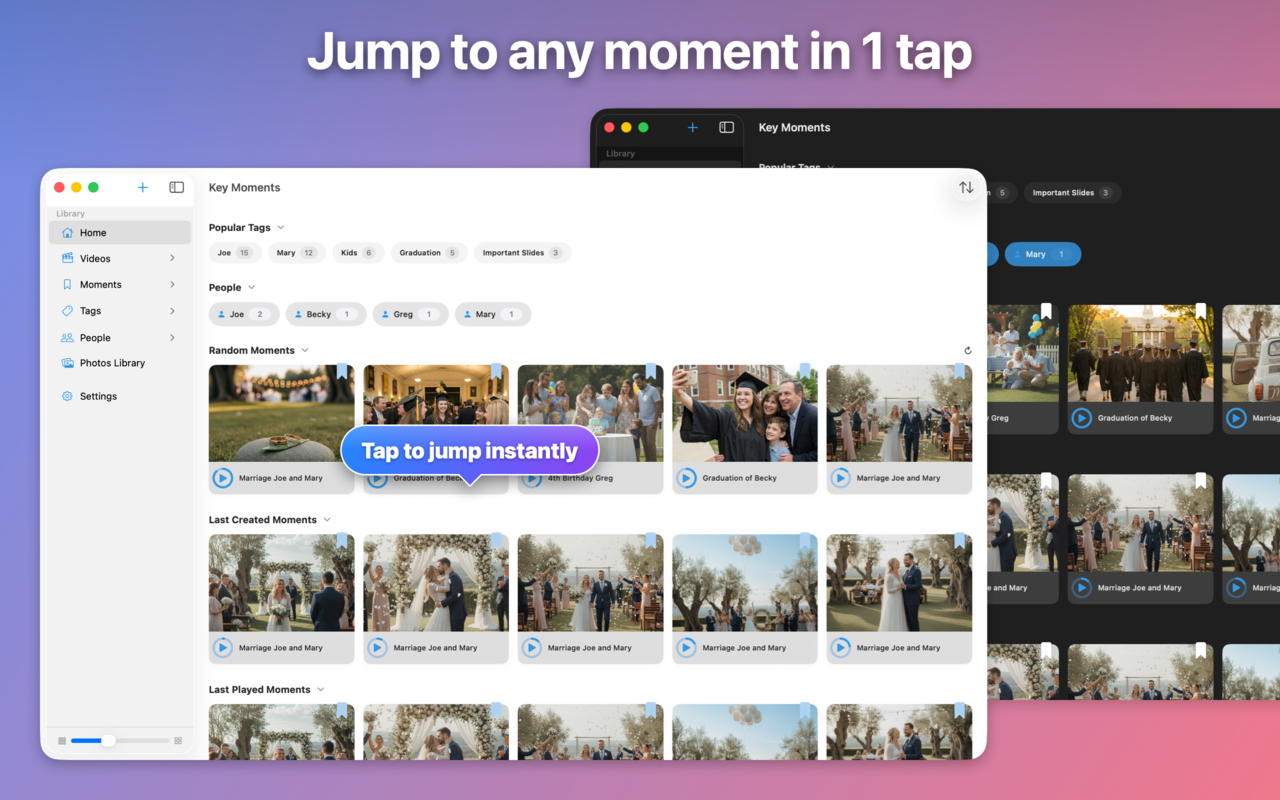
Organize and revisit your saved video moments on macOS with the same fast, private workflow.

  • Browse saved moments on a larger screen
  • Jump directly to exact scenes
  • Optional iCloud sync when you want it

Capture & Relive — In Seconds

1

Watch Your Video

Import from Files, Photos, or share from other apps.

2

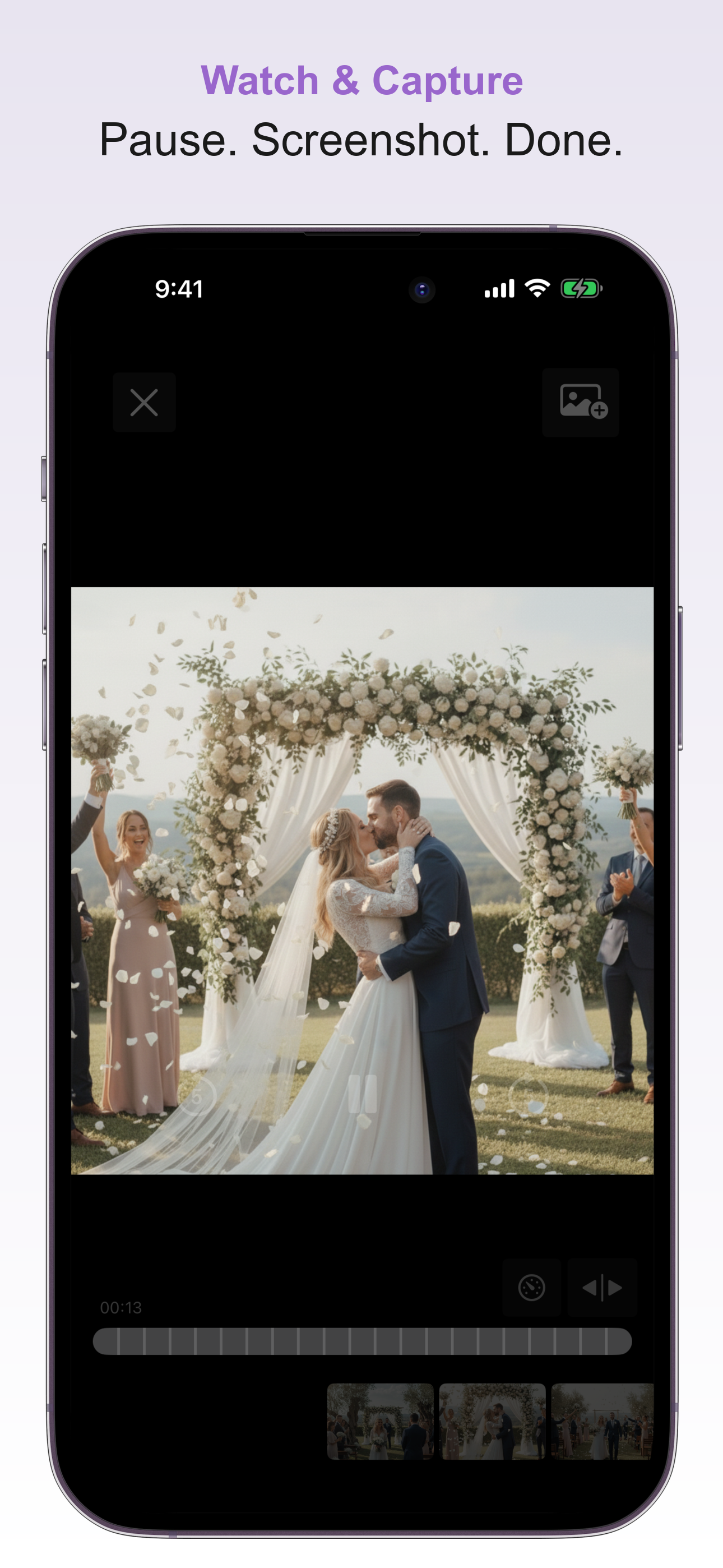
Tap to Save the Moment

Every screenshot becomes a bookmark you can go back to instantly.

3

Relive Any Scene

Skip the scrub bar — go directly where you want with one tap.

Private by default. Sync only if you want.

Key Moments works locally first. iCloud sync is optional and only used when you enable it.

Why People Love Key Moments

No More Endless Scrolling

Stop scrubbing through footage just to find that one clip.

Instant Recall

Perfect for study, editing, or precious memories.

Made for Long Videos

Lectures, weddings, training sessions, interviews — handled.

Saves Time & Frustration

For creators and professionals alike.

Built for How You Work & Live

🎓

Students

Mark key discussion points in lectures

🎬

Creators

Save highlights before editing

💼

Professionals

Quick recall for meetings or training

👨‍👩‍👧

Family

Jump to first steps, smiles, and celebrations

Everything You Need

Powerful features, simple to use.

Jump Right to What Matters

Save favorite moments as visual bookmarks.

Instant Playback

Tap any screenshot and playback starts right there — no scrubbing.

Sync Across Devices

Start on iPhone and continue on Mac with optional iCloud sync.

Private & Secure

Everything stays on your device — no servers, no accounts needed.

Smart Organization

Use tags and folders so your moments are easy to find.

Share & Backup

Export your collection or send a shareable link.

Need Help?

Have a question or need assistance? We're here to help.

support@getkeymoments.com Contact Support

Common Questions

How does jumping to scenes work?

Every screenshot you capture saves the exact timestamp. Tap any screenshot and playback starts instantly from that moment — no scrubbing needed.

What video formats are supported?

Key Moments supports all common formats including MP4, MOV, M4V, and more. Import from Files, Photos, or share directly from other apps.

Are my videos private?

Absolutely. Everything stays on your device. We don't have servers — your videos never leave your phone. iCloud sync uses your personal account.

Can I share or backup my moments?

Yes! Share individual screenshots, export your entire collection as a backup file, or generate a shareable link. Recipients can import your bookmarks directly into their app.

Get started in seconds

Download Key Moments and start saving the scenes you actually care about.